Home Screen widgets
Keep the next date visible without opening the app.
Find the dates already on your device, count them your way, and make a simple plan for what comes next. Private by design.
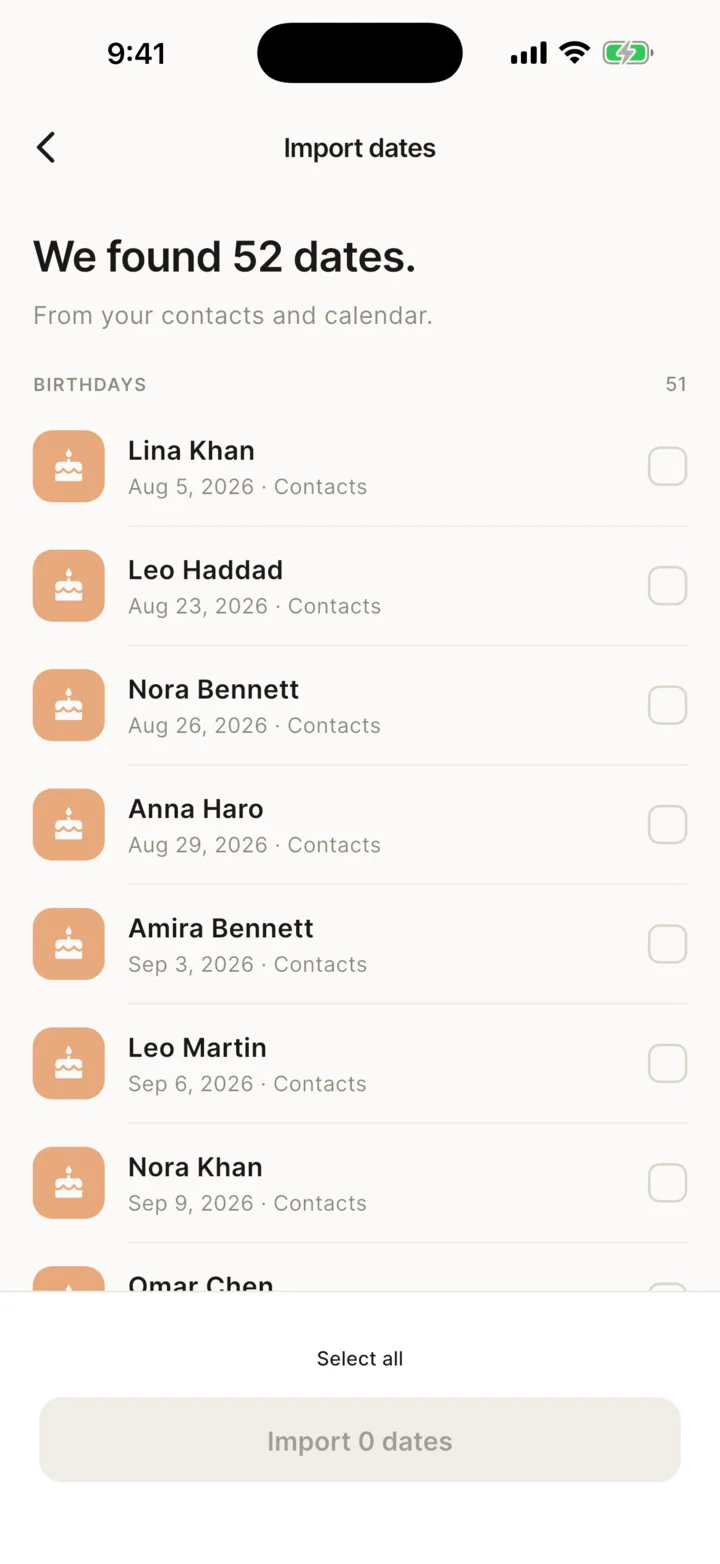
Birthdays and calendar dates may already be on your phone. Til. finds them on-device, shows you a review list, and imports only what you choose.
No permission prompt appears at launch.
Names, titles and dates only — never phone numbers, email addresses or event details.
Pick one date or many, then keep everything organized in Til.
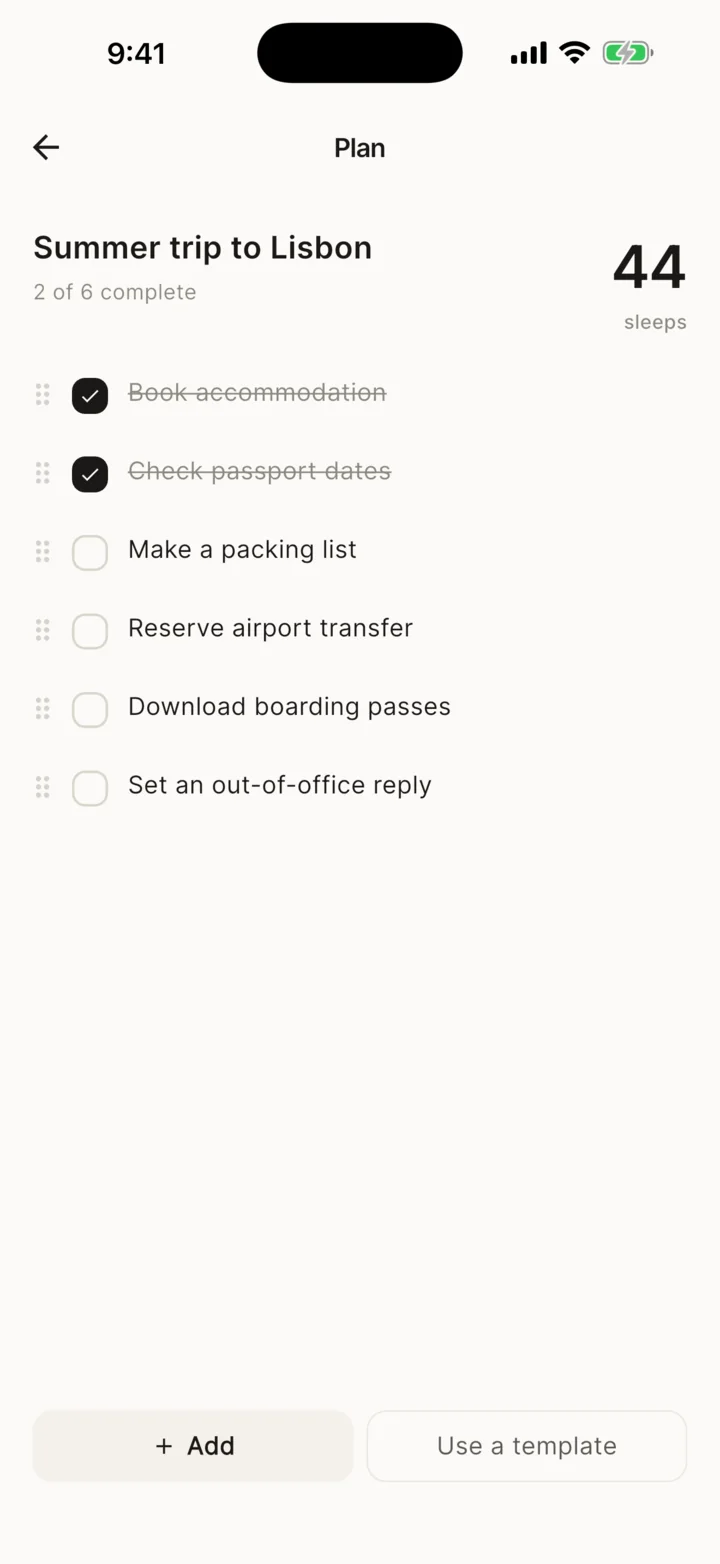
Keep a lightweight plan beside any countdown. Add tasks, notes, links and reminders without turning the moment into a project-management system.
Use days, sleeps, weeks, months, working days or weekends.
Check off the small steps between now and the date.
Use a helpful template or make the plan your own.
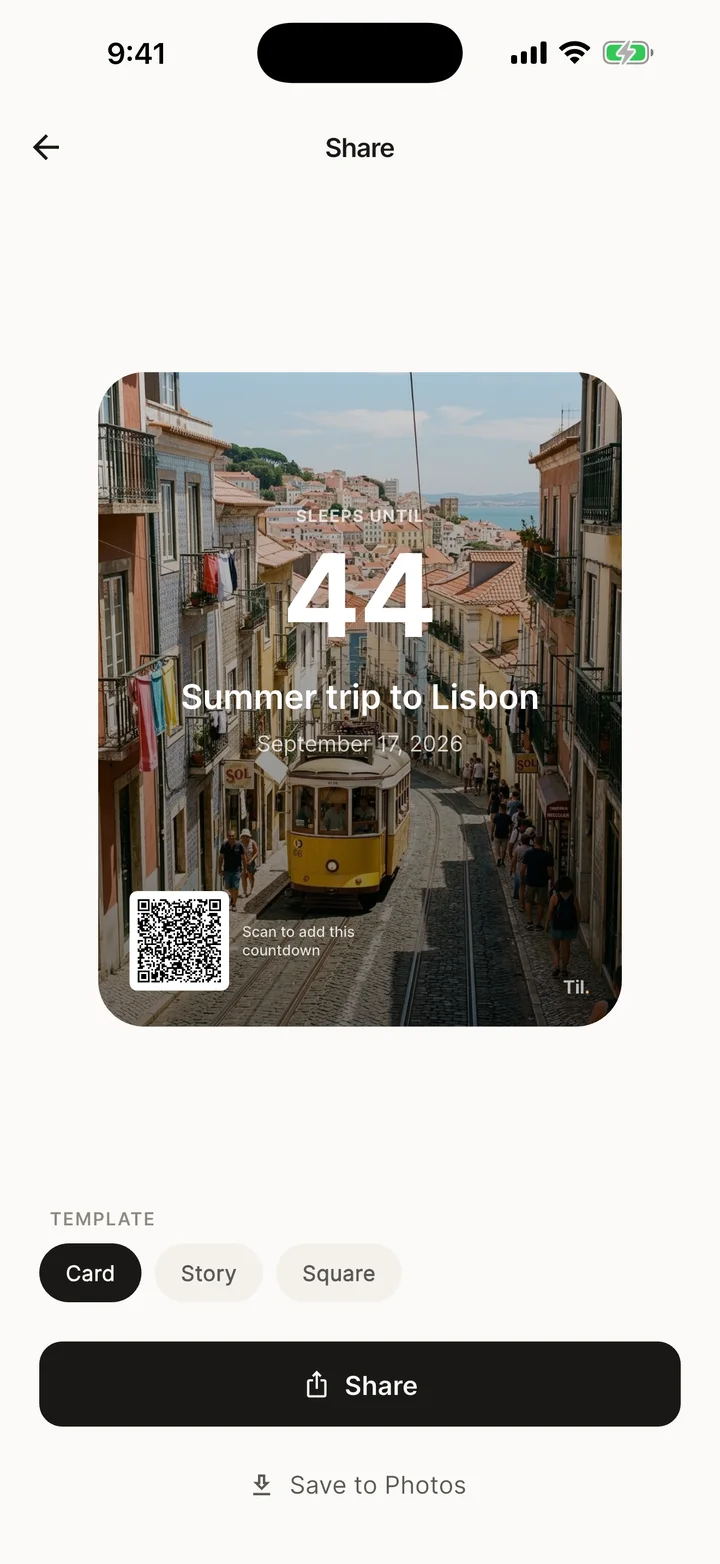
Send a private link or QR code, or turn the countdown into a designed Card, Story or Square image. Shared links carry the date—not your photos, plans, notes or reminders.
Links and QR codes work without a Til. account or server.
Every designed card includes a scannable code to add the countdown.
Save to Photos or send it with the share sheet.
Keep the next date visible without opening the app.
Choose when Til. should nudge you as the date approaches.
Birthdays and anniversaries roll forward automatically.
Use calm themes, folders, categories, pinning and sorting.
Sync through your own iCloud or Google Drive account.
Import review, countdowns, plans, units and QR generation stay local.
The Til. app has no accounts, ads, analytics or tracking SDKs, and no servers of its own. Events stay on your device unless you choose private sync through your own iCloud or Google Drive account. The public website measures visits and store-button clicks separately, as explained in the Privacy Policy.

Download Til. — Days Until and get ready for the dates that matter.
No ads, ever